CDNShark Backup
Scheduled, encrypted, deduplicated backup for your Mac, PC or server. Your data is encrypted on your device before it is uploaded — what lands on our storage is ciphertext.
Included with every CDN plan. No separate backup bill.
Why CDNShark Backup
Your files are encrypted on your own machine. What reaches our storage is ciphertext, so a stolen disk or an intercepted transfer yields nothing readable.
Only changed blocks are uploaded. A second machine with the same files costs almost nothing extra, and repeat backups stay fast.
Choose what to back up and how often. It runs quietly in the background from the menu bar or system tray.
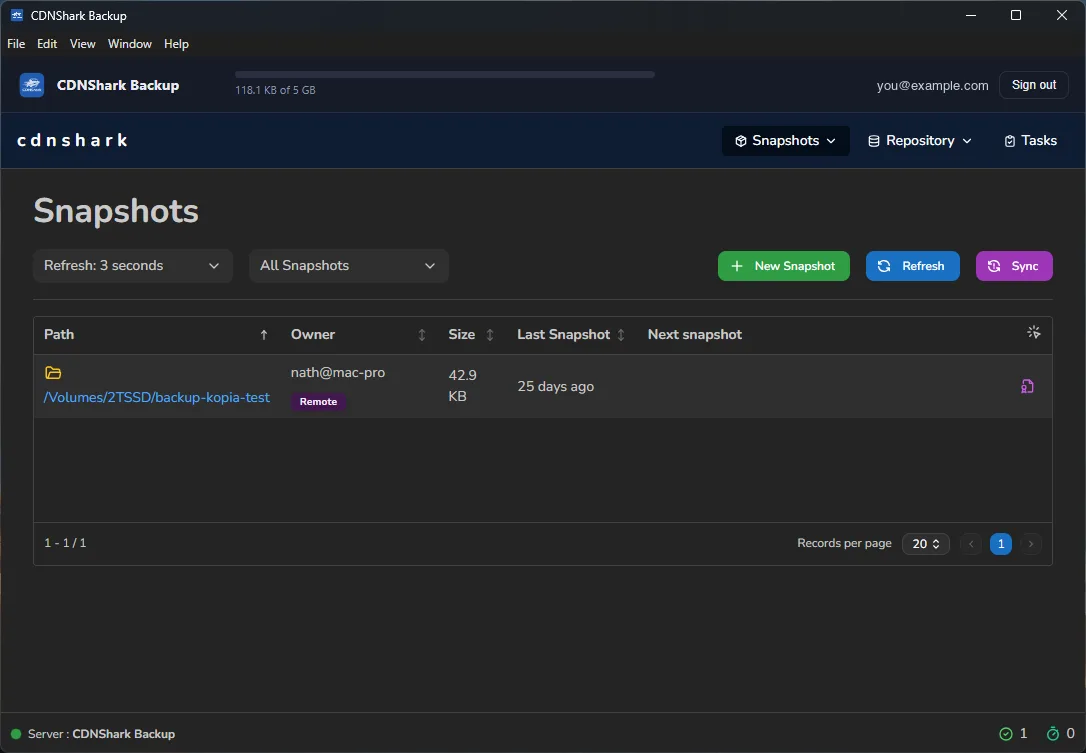
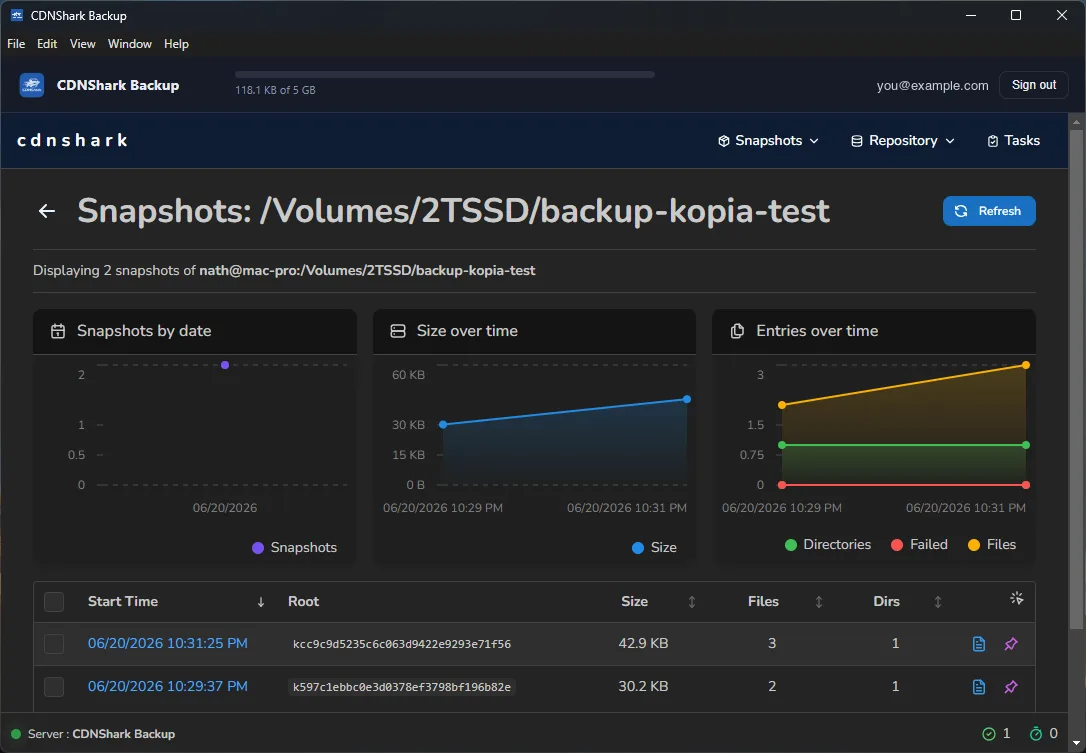
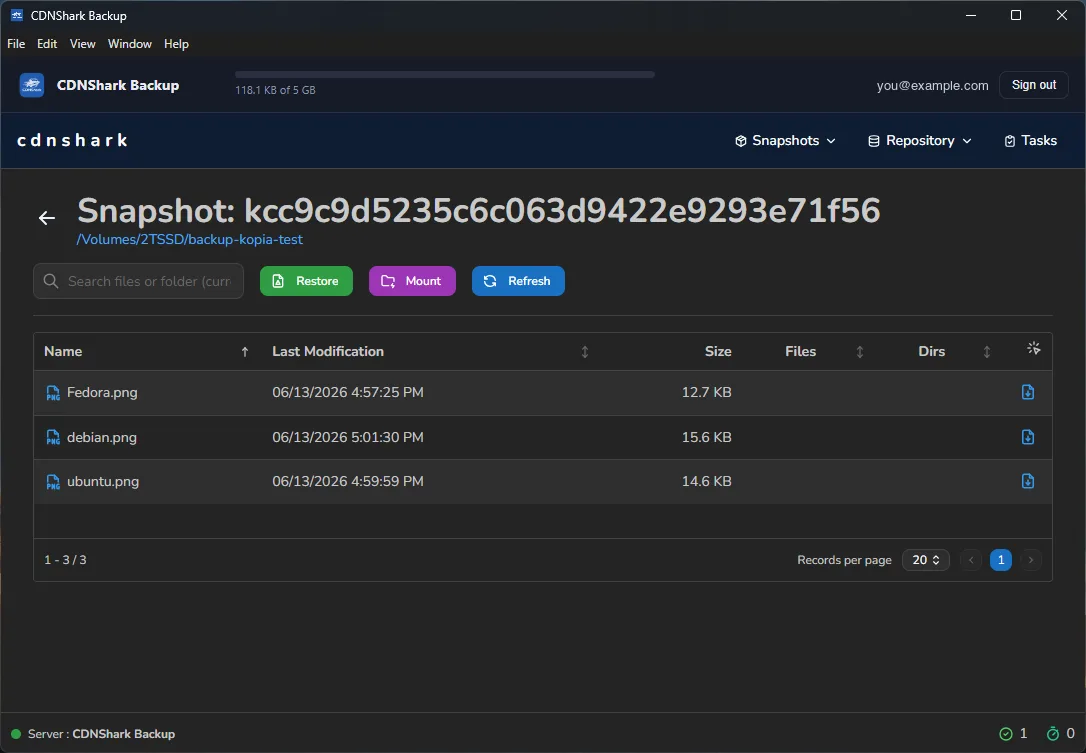
Every snapshot is browsable. Restore a single file from last Tuesday, or an entire folder from last month.
One signed application on every desktop platform, built on the proven open-source Kopia engine.
Backup data goes directly to our storage network. The control plane only issues credentials — it never handles your bytes.
How it works
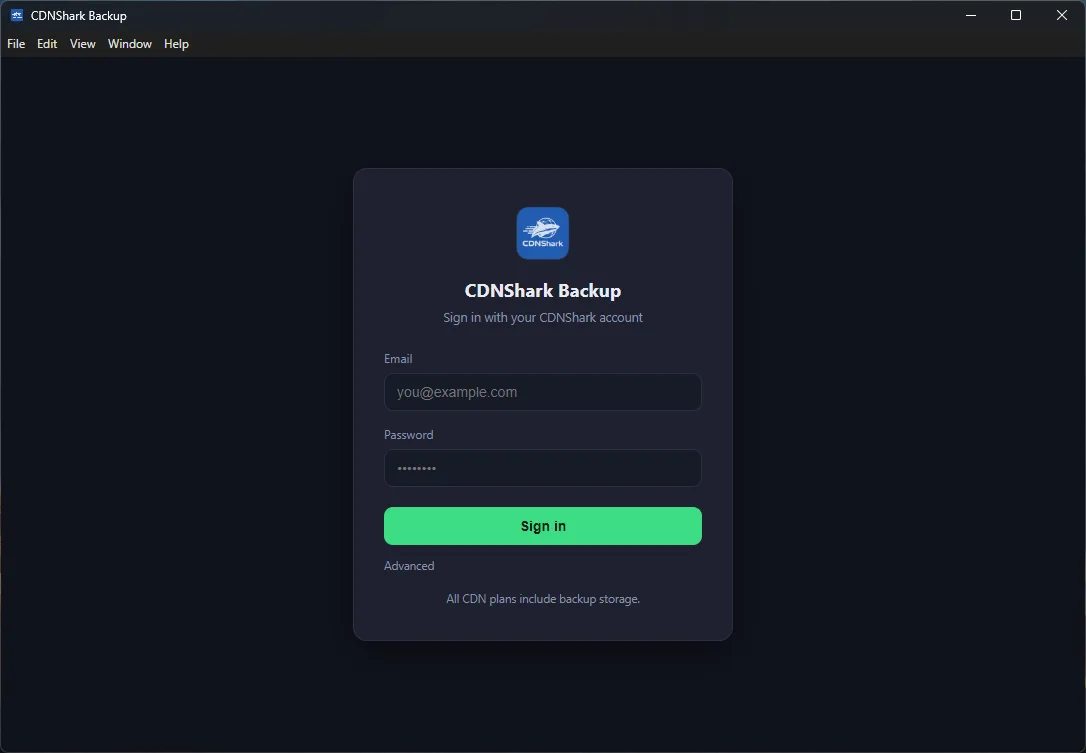
Install the app and sign in with your CDNShark account. Your encrypted backup repository is created for you — no buckets to make, no keys to copy.
Choose what matters — documents, projects, photos, a whole home directory — and set how often it should run.
Browse any snapshot and restore a file or a folder to where it was, or somewhere new. Test a restore early — an untested backup is a guess.
Backup or Sync?
They solve different problems, and most people want both. Both are included with your plan.
Snapshots you can go back to. If a file is deleted, corrupted, or encrypted by ransomware, last week's copy is still there — because backups do not follow your mistakes.
One folder, current on every device. If you delete a file on your laptop, it disappears everywhere — which is the point, and exactly why sync is not a backup. See CDNShark Sync.
- Who holds the encryption key? We do, on your behalf. Your files are encrypted on your machine before upload, but the repository key is issued and stored by CDNShark so that you never have to remember a passphrase — and so that losing a laptop never means losing your backups. That is a deliberate trade: it makes recovery possible, and it means this is not a zero-knowledge product. If you need a key we cannot access, tell us — we are building that option.
- What if I lose my device? Install the app on a new one, sign in, and your snapshots are there. Nothing is tied to the old machine. Keep your CDNShark account credentials safe — they are the way back in.
- How much does it cost? Backup storage draws on the allowance included with your CDN plan. Need more, add storage — there is no separate backup product to buy.
- What engine is under it? Kopia, a well-established open-source backup engine. We package, sign and support it, and provide the storage.
See it in action
Real screens from the app. Click any shot to enlarge.
Download CDNShark Backup
Free with every CDN plan. Install it, sign in, and you are set up in under a minute.
Current version 0.1.2.
Included with every CDN plan. Backups draw from the storage allowance you already have.
The best time to set up backups was before you needed them.
Included with every CDN plan. Encrypted before it leaves your machine.
Get Started Talk to Us